For TEAM 24/7 patients
Your whole health record, in one place that belongs to you. Lab results explained in plain English, scans, letters and your children’s vaccinations, alongside everything TEAM 24/7 has done for you.
What Health Vault is
Most people’s health records are scattered. Blood results sit with the laboratory, X-rays with the radiologist, prescriptions with whichever doctor wrote them, and a child’s Road to Health booklet in a drawer at home. When a new doctor asks what you have had done, you are left trying to remember.
Health Vault is a secure online record that you own and control. You add to it, you decide who sees it, and it stays with you when you change doctors, move cities or see a specialist for the first time.
My health on this website shows the care you received from TEAM 24/7. Health Vault is the bigger picture: every provider and every result, for you and your family.
What it does
Lab results you can understand
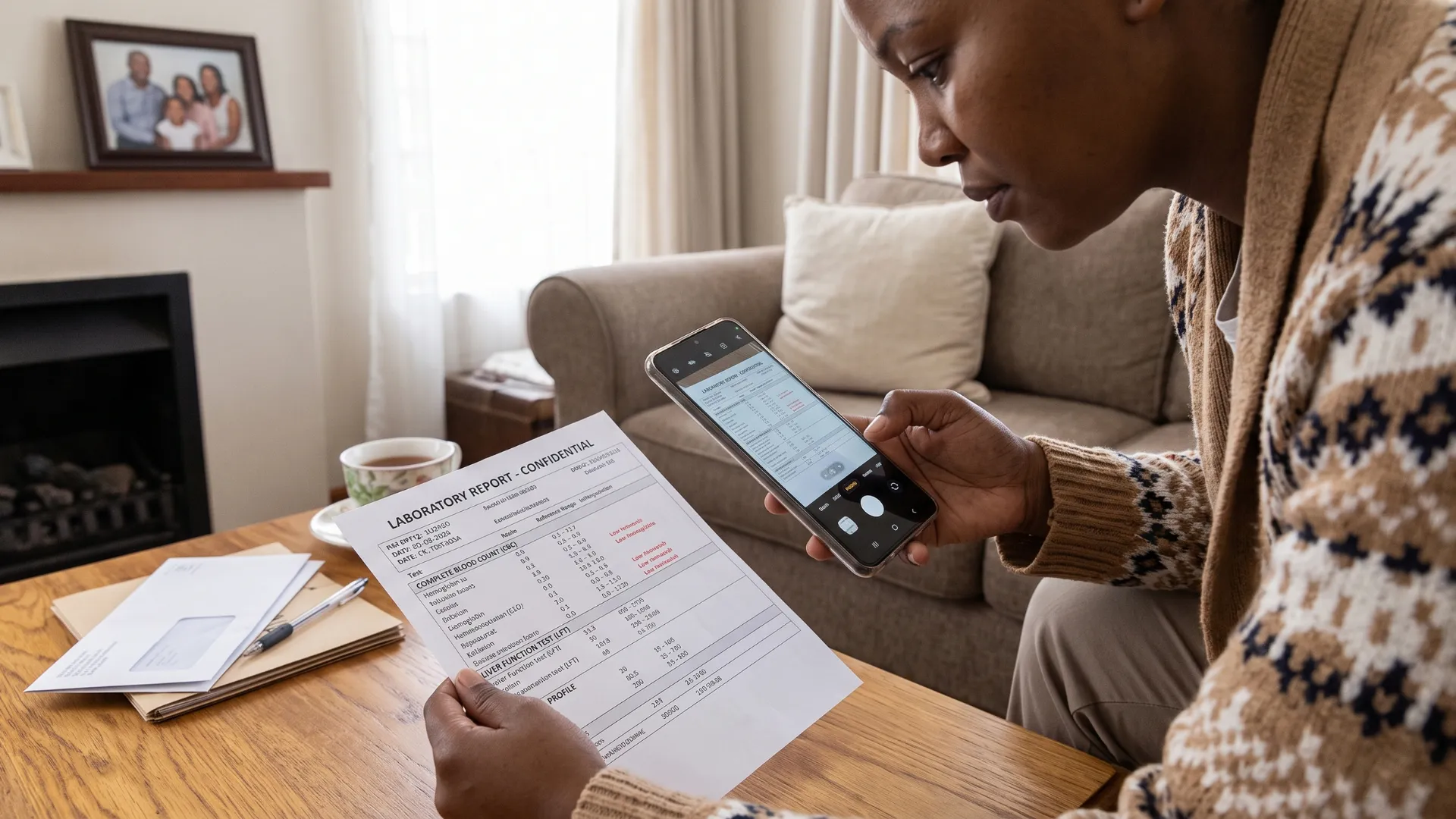
Upload a lab report as a PDF or a photo. Each result is explained in plain English and tracked over time, so you can see how a level has changed across the years.
Scans and tests
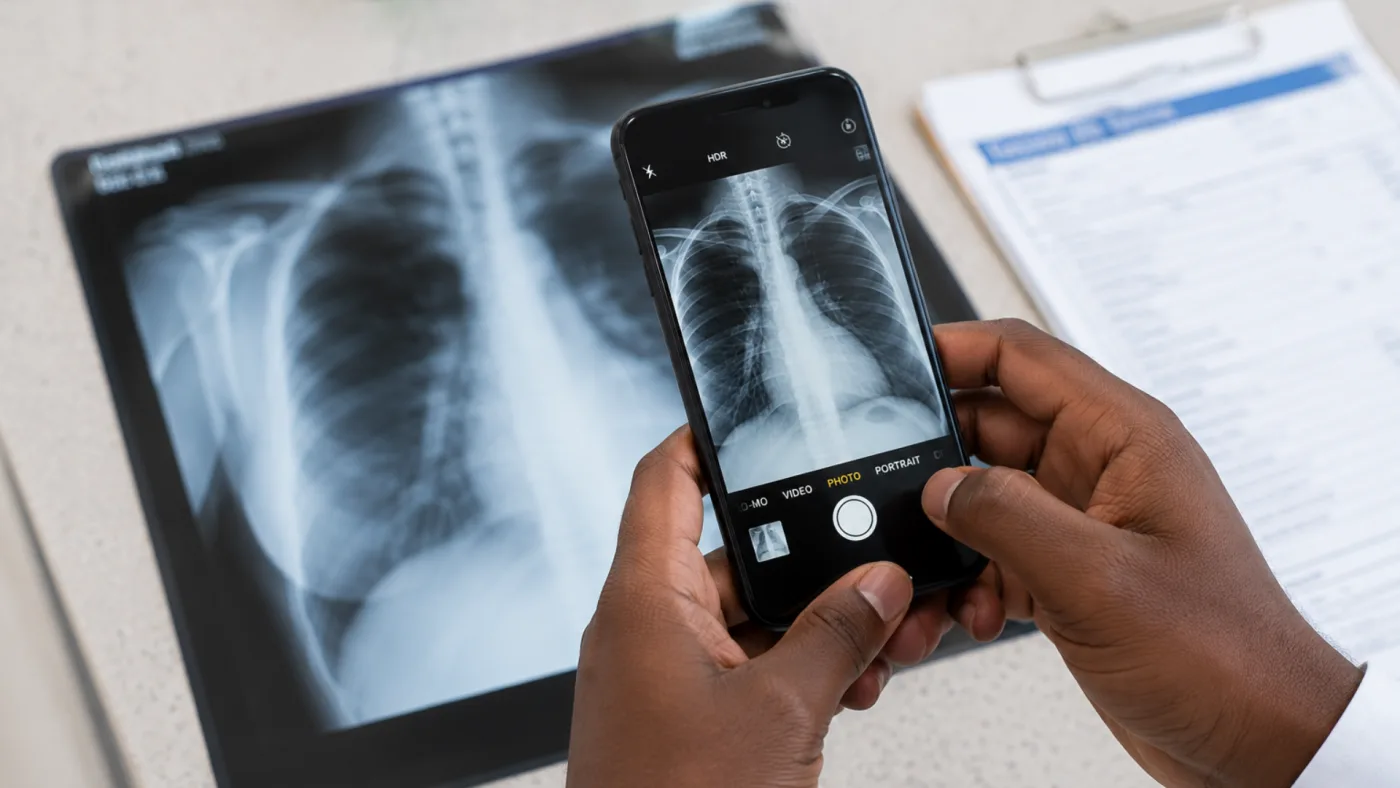
Keep X-ray, CT, MRI and ultrasound reports together, with the date, the facility and what was found.
Your documents
Prescriptions, referral letters, sick notes and discharge letters, stored in one place and easy to find.
Your children’s health
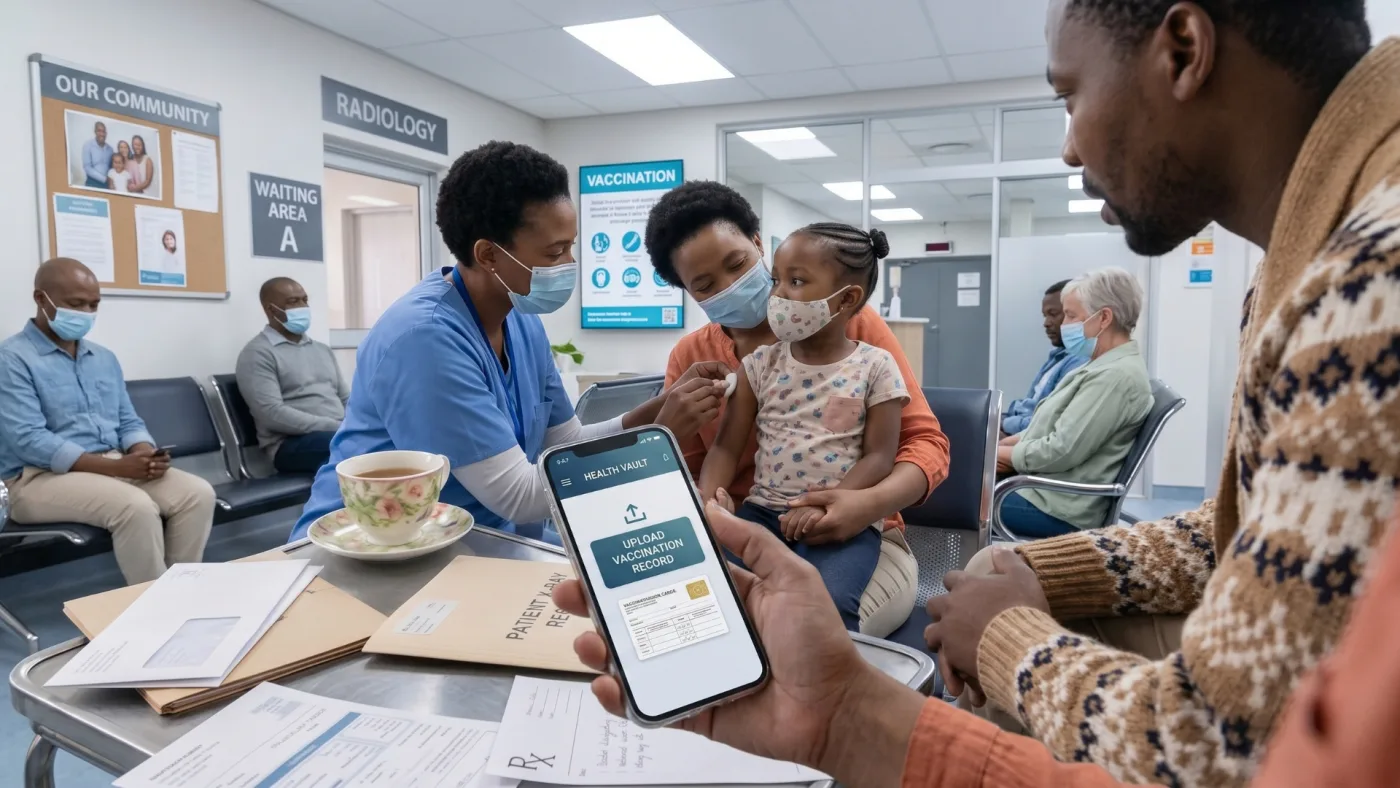
Road to Health vaccinations with what is due next, and growth charts measured against World Health Organization standards.
Share with your doctor
Give a doctor access to your vault when you choose, and take it away again whenever you like.
Reports to take with you
Download your full history of results, or a short list of results worth discussing at your next appointment.
How to create your Health Vault
- Register. Go to Health Vault and create an account with your South African ID number. Use the same ID number that is on your TEAM 24/7 record.
- Give your consent. The first time you sign in, you are asked to agree to your records being stored and processed. Nothing is stored until you do.
- Add what you have. Upload a lab report or a document, or start your child’s vaccination record.
Sending your TEAM 24/7 records to Health Vault
- Get your records into My health. Reception connects your TEAM 24/7 records to your My health account in person. Bring your ID.
- Get a code from Health Vault. In your Health Vault, choose Connect a practice. You get an 8-character code that works once and lasts 30 minutes.
- Enter the code in My health. Sign in to My health, find Your Health Vault, and enter the code.
- Send. Send one record or all of them. Each one arrives in your Health Vault documents as a PDF.
Keeping it safe
- The ID numbers have to match. Your Health Vault and My health only connect when both carry the same ID number, so records cannot be sent to someone else’s vault.
- Sending only goes one way. TEAM 24/7 can add records to your Health Vault when you press Send. It cannot read anything that is in it.
- You can disconnect at any time, from either side. Anything already sent stays in your vault, because it is yours.
- Your ID and medical aid numbers are encrypted. Both services are hosted in South Africa, and are designed and operated in line with POPIA.
Start with what you already have
A lab report in your email or a prescription in your bag is enough to begin. Your TEAM 24/7 records can follow whenever you are ready.